Create a node
Add a node
To add a node to your network design, follow these steps:
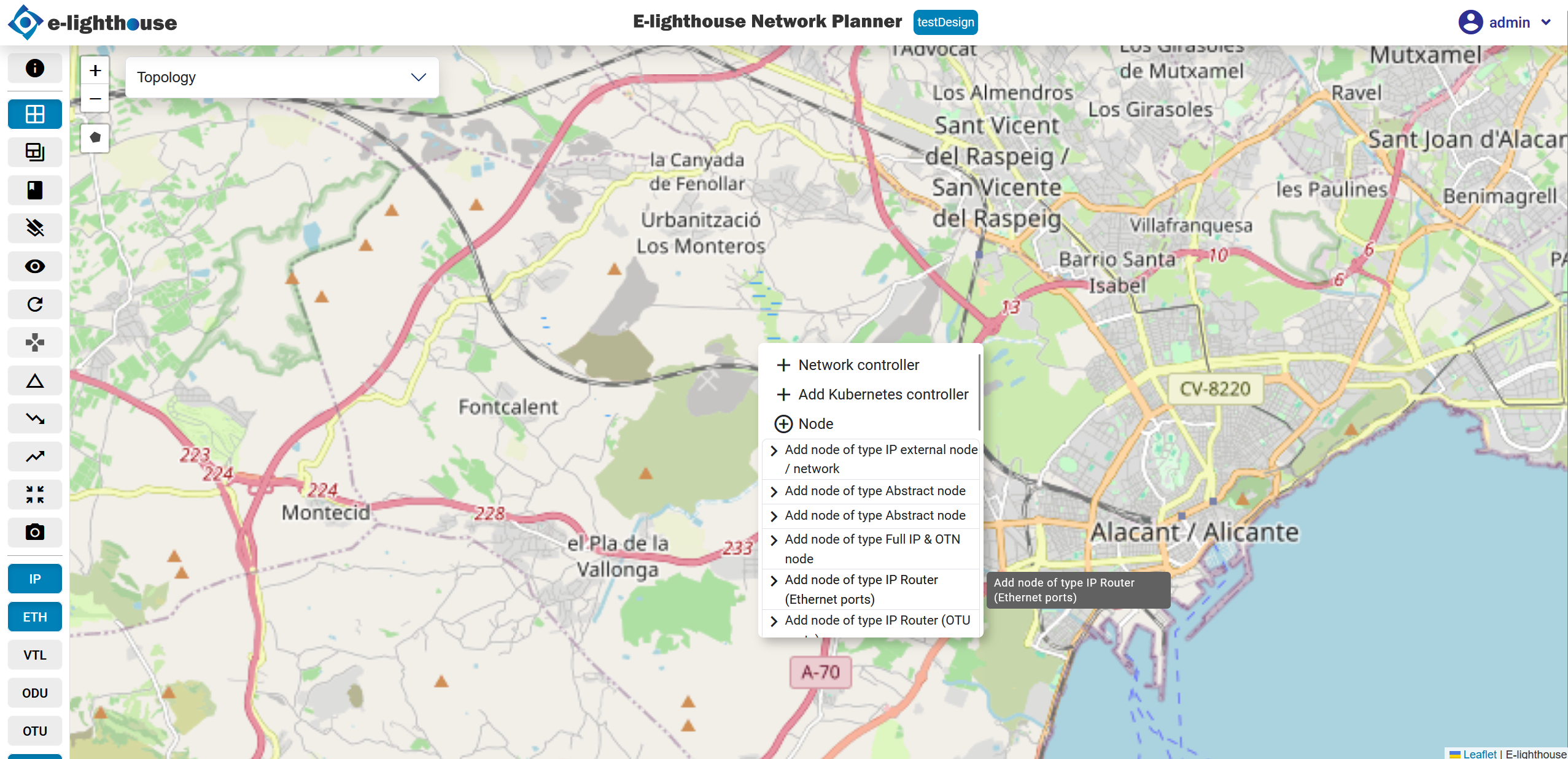
- Accessing node options: in the network design section, locate and click on the "Add Node" button.
- Selecting IP Router (Ethernet ports): from the options presented, choose "IP Router (Ethernet ports)" to add an IP router to the design canvas.
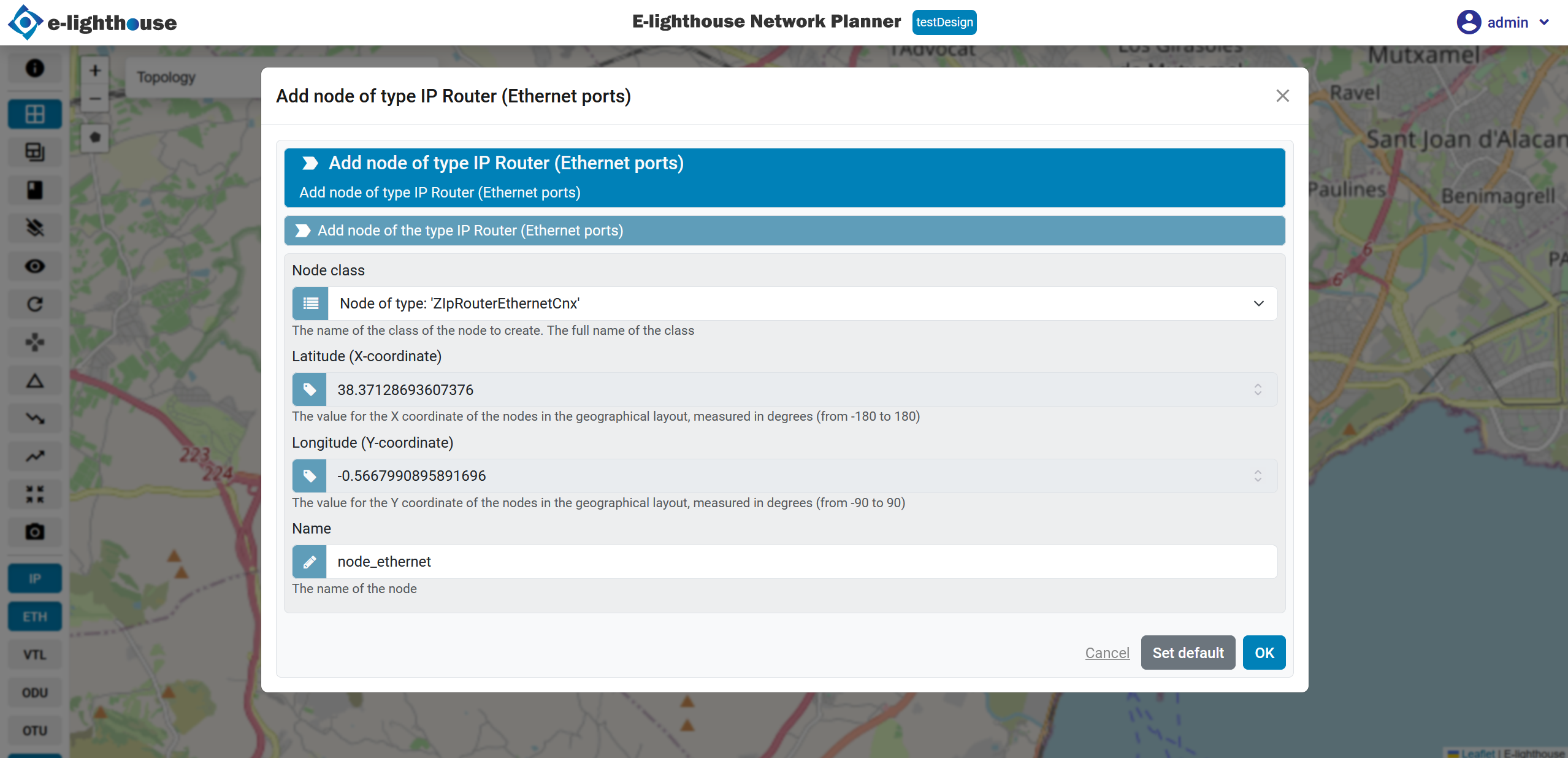
- Completing node form: ffter selecting the IP node type, complete the form to create the network controller.
Exploring control and management tables
Now, explore some of the control and management tables available in ENP:
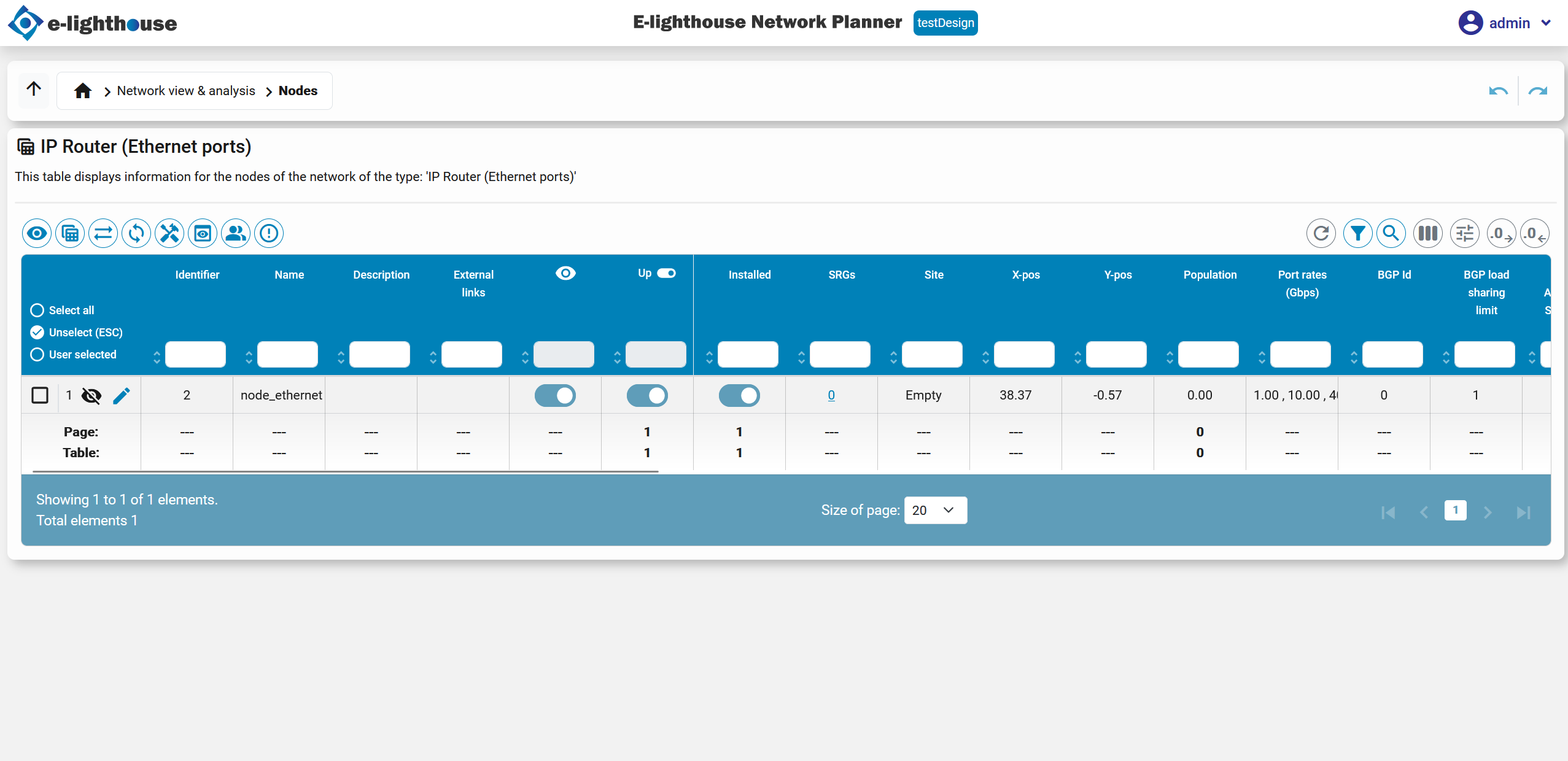
- IP Router (Ethernet Ports) Table: this table displays the node we have created along with its relevant details.
By navigating through these tables, you can manage and monitor various aspects of your network design effectively.