Create a network controller
To create a network controller, follow these detailed steps:
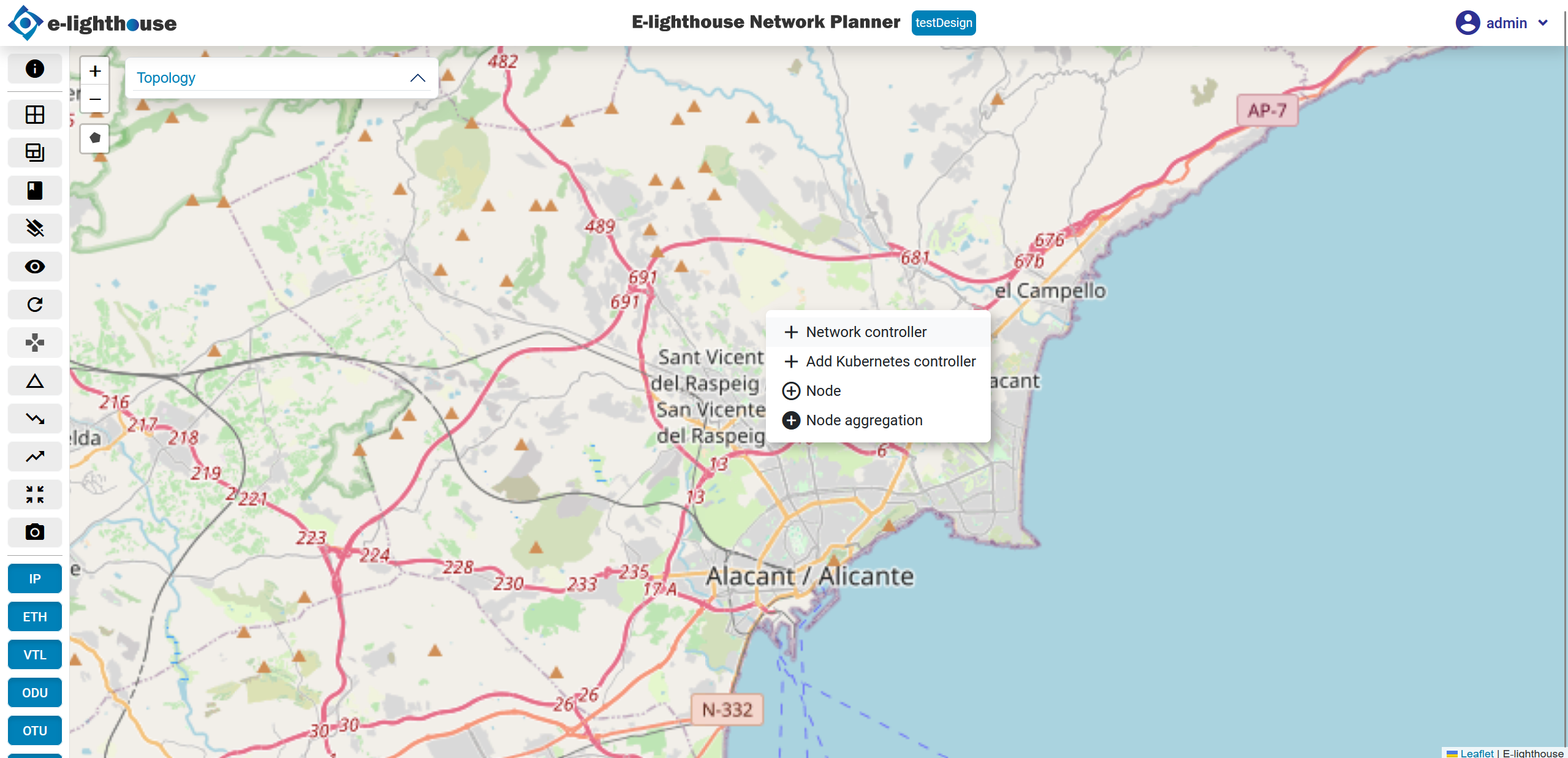
- Access menu options: right-click within the workspace to open the contextual menu and select the "Network Controller" option.
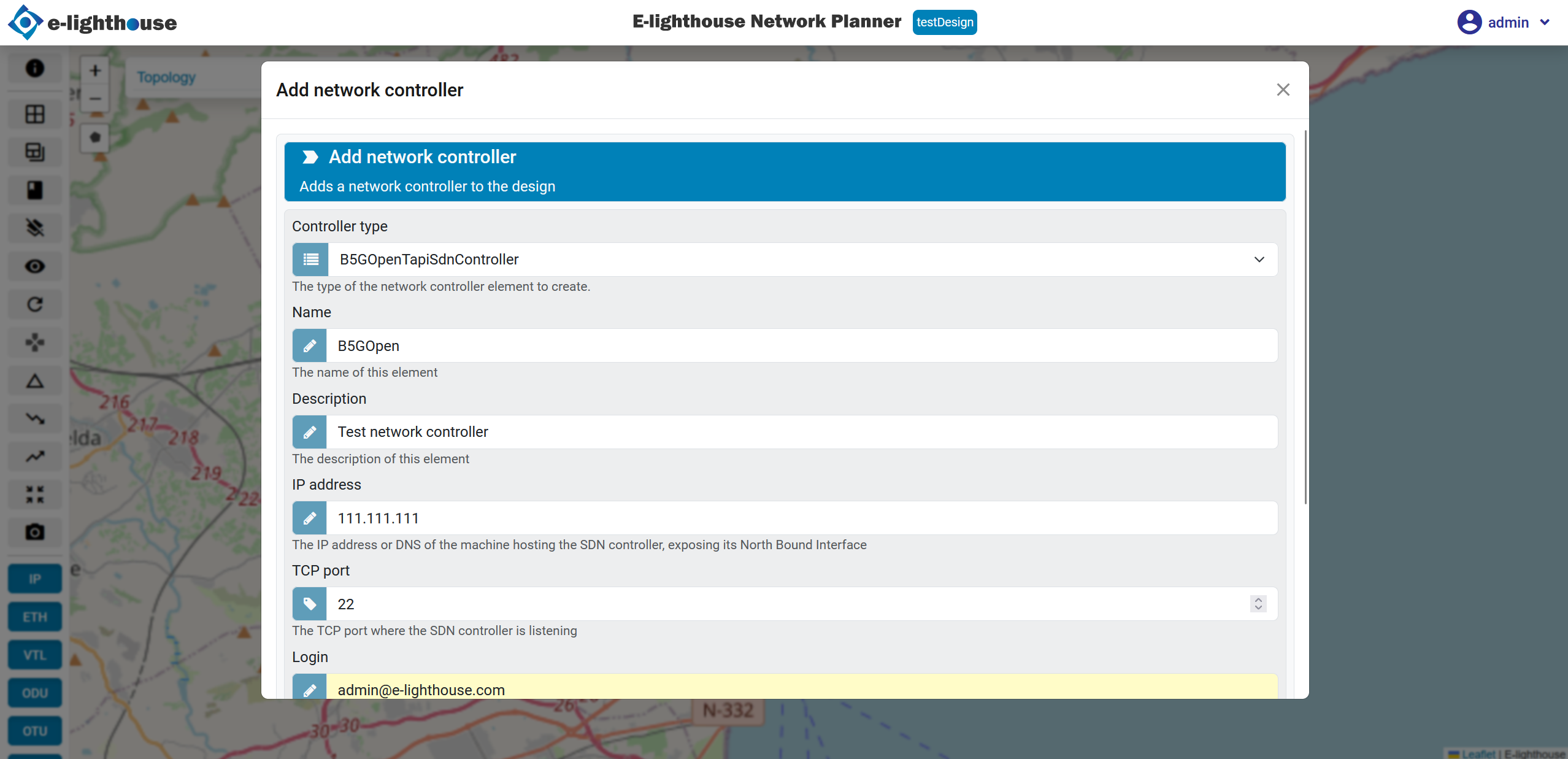
- Complete the form: a form will appear where you need to fill in the necessary details to create the network controller. Enter required information such as the controller's name, IP address, and other parameters as needed.
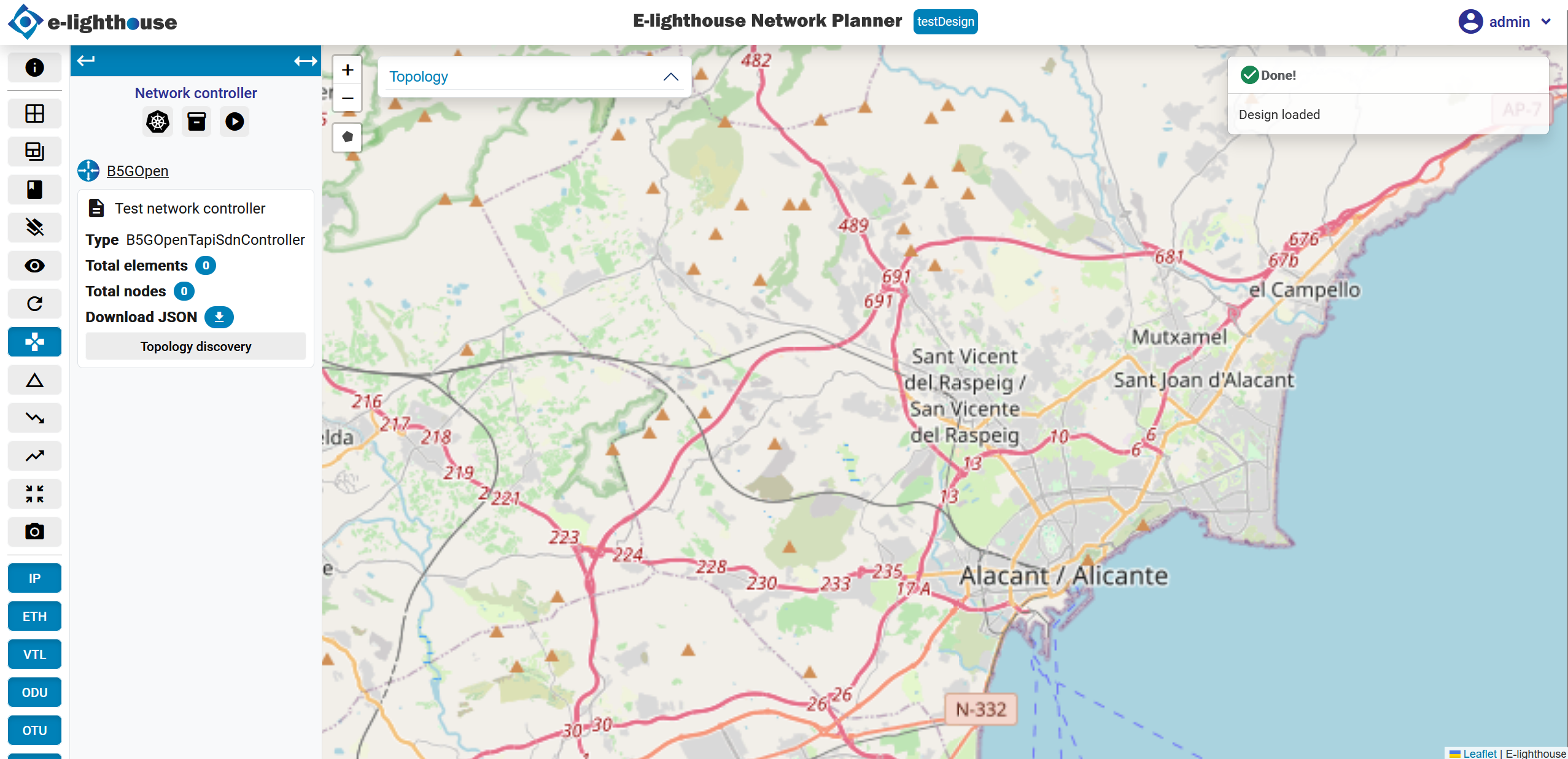
- Confirmation of controller creation: once you have completed the form, you will see a confirmation that the network controller has been successfully created.
View the controller on canvas: to view the network controller on the design canvas, click on the "Topology discovery" option in the menu or corresponding tool.
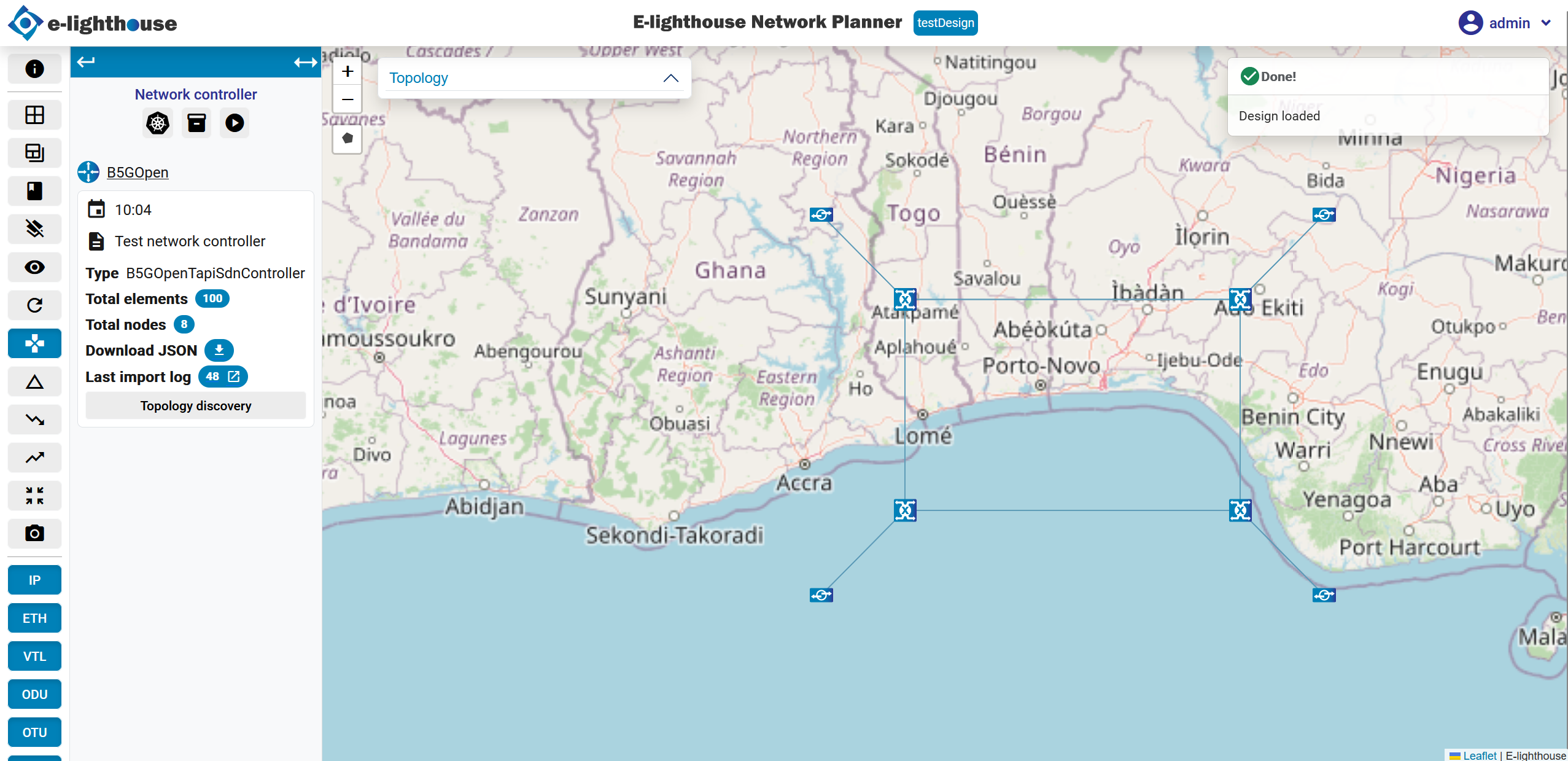
By following these steps, you'll be able to successfully create and visualize a network controller in your network design.