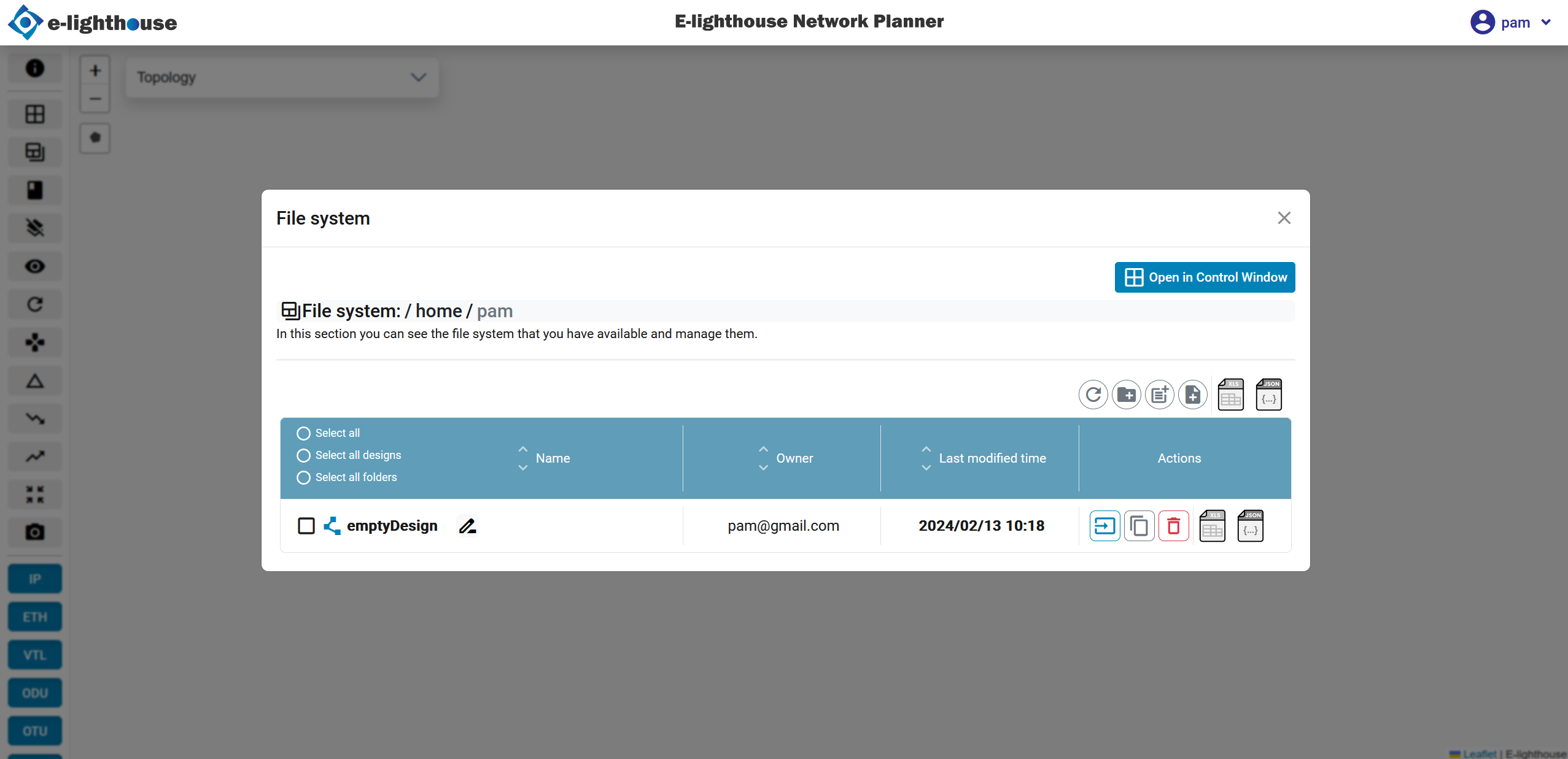
Create a design
Steps to create a new design
To create a new design, follow these steps:
- Accessing File System: locate the File System button in the toolbar.
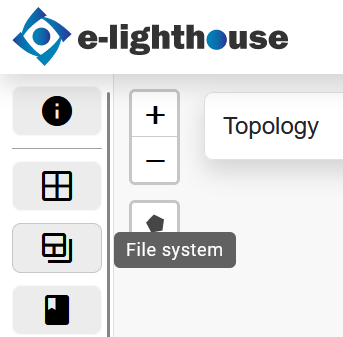
- Opening Design Creation: click on the File System button to open a modal window. Alternatively, you can access this section through the Control Window view.
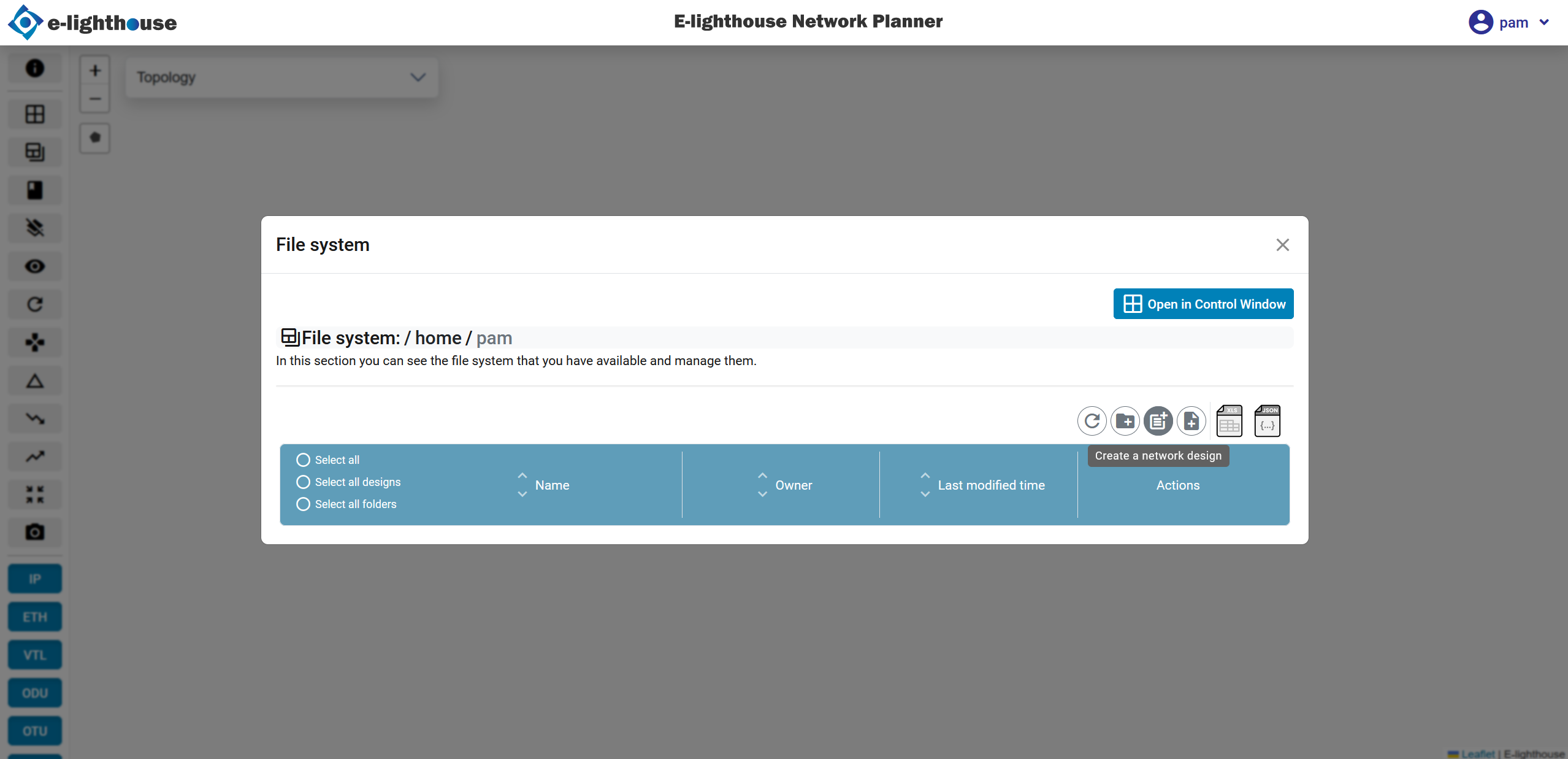
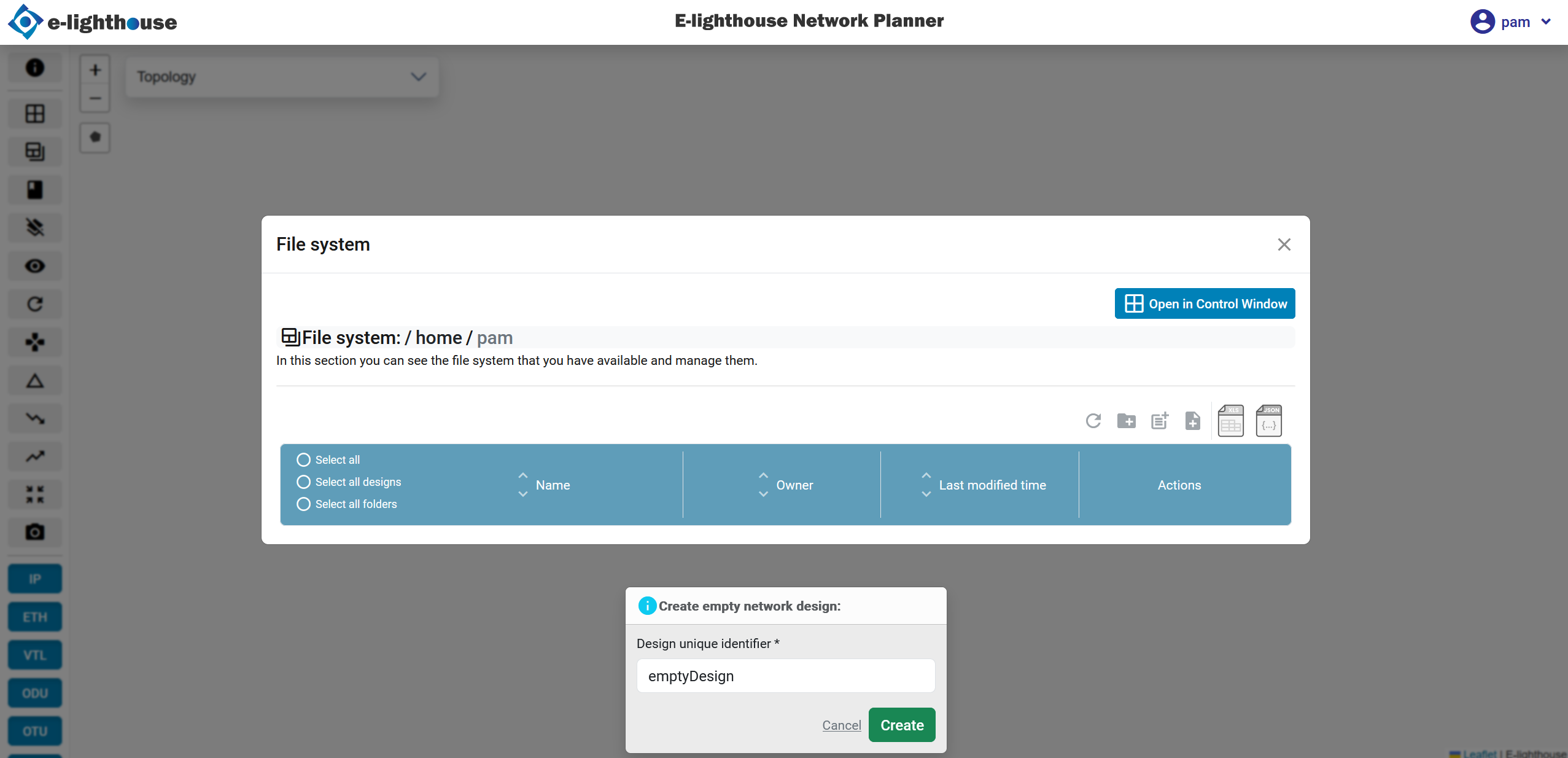
- Form Completion upon selecting the option to create a new design, a form will appear for you to fill out with necessary details.
- Design Confirmation: once you've filled out the form, you'll see confirmation that the design has been successfully created.